
Macro Play
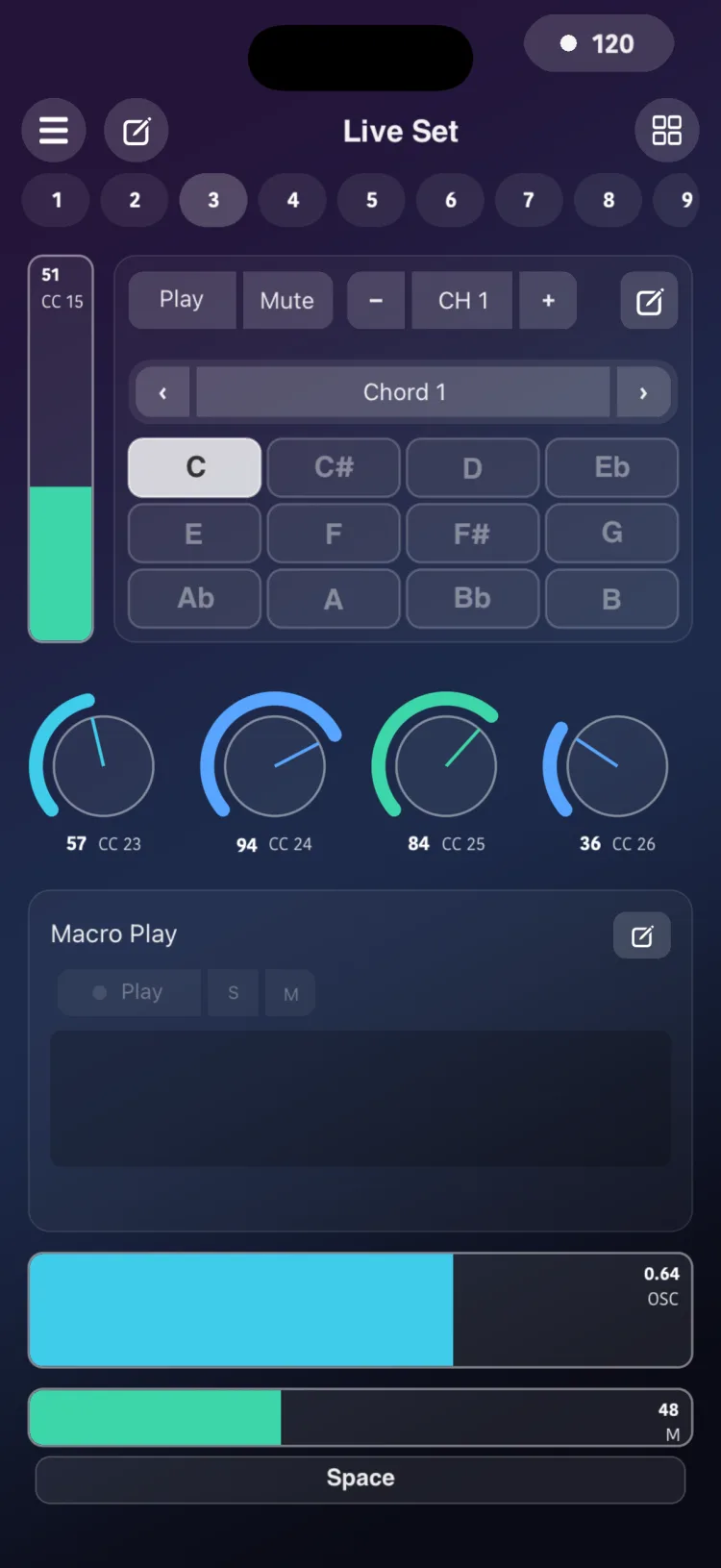
Macro Play is a group transport for the scene's engines. From a single module you start, stop, solo or mute several Arpeggiators, Drum Players, Drone Pads and LFOs.
Use it to start the drums, the arpeggio and the pad at the same time, or to leave only the drums playing in a breakdown, without going page by page.
Getting started
- In the Editor, add Macro from the MACRO section of the palette.
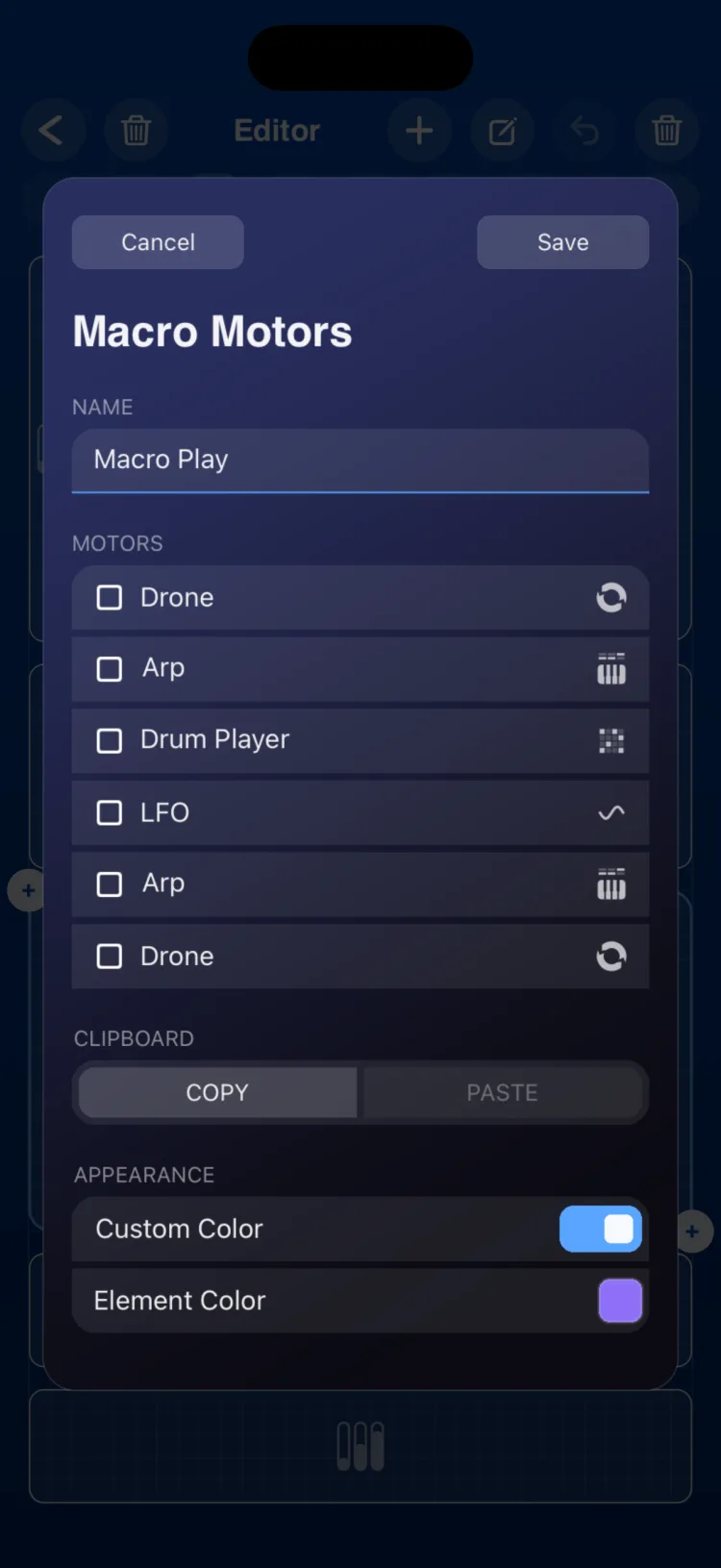
- In the inspector, under Motors, choose which engines it controls. They can be on any page of the scene.
- Switch to Perform.
Playing in Perform
- The top row Play | S | M acts on every connected engine. Play starts them all if none is running, or stops them all if any is running.
- Each row in the list has its own Play | S | M for that engine.
- S (solo) silences the other connected engines. When you clear the solo, each engine goes back to the mute state it had before.
- M (mute) silences the engine without stopping it.
Inspector options
| Section | Option | Values |
|---|---|---|
| Name | Macro Name | text |
| Motors | List | Arpeggiators, Drum Players, Drone Pads and LFOs in the scene |
| CLIPBOARD | COPY / PASTE | |
| APPEARANCE | Use Global Color / Custom Color |
Limitations
- Mute does not apply to the LFO: only Play and Stop work with it.
- A State stores the mutes of the connected engines, but not their Play/Stop.
- On iPhone and iPad, the module measures (in cells, minimum / initial / maximum): iPhone 10×6 / 14×8 / 16×22; iPad 6×5 / 8×8 / 24×34.