
Macro Memories
Macro Memories is a row of 8 memories that switches the memory of several engines at once: the Drum Player pattern, the stored Arpeggiator chord and the Drone Pad chord.
Use it to change song sections with one tap. Memory 2 can be drum pattern 2, arpeggiator chord 4 and a different key on the Drone Pad, all together.
Getting started
- In the Editor, add Macro Mem from the MACRO section of the palette.
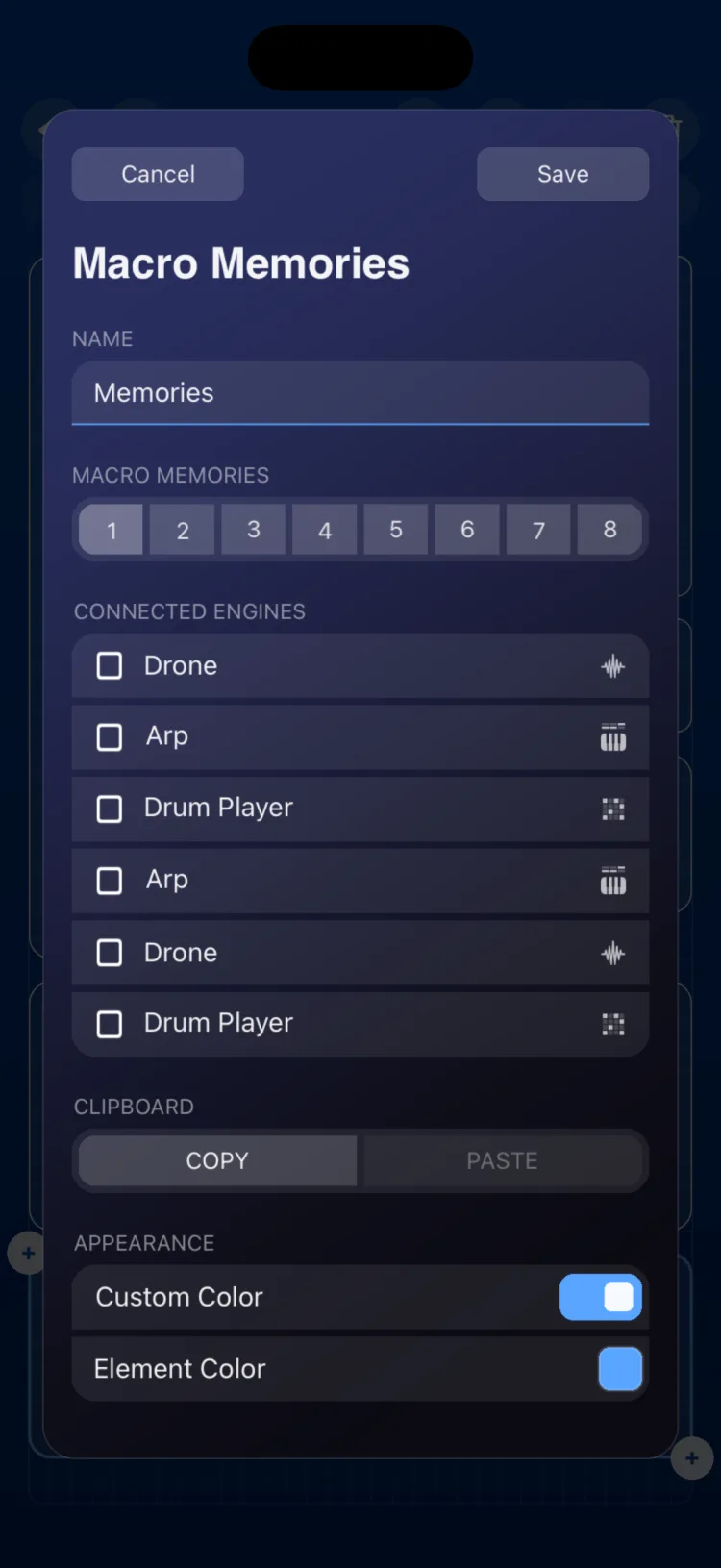
- In the inspector, under Connected Engines, choose which Arpeggiators, Drum Players and Drone Pads it controls. They can be on any page of the scene.
- For each memory (1 to 8), choose which memory of each engine is recalled. By default it's the same one: 1 with 1, 2 with 2, and so on.
- In Perform: - Tap a memory to recall it on every connected engine. - Touch and hold a memory (about 0.5 s) to store in it the current state of the connected Drone Pads: active root, bank, chord and inversion.
What a memory is on each engine
| Engine | Memory |
|---|---|
| Drum Player | One of its 8 patterns |
| Arpeggiator | One of its 8 chord memory buttons. Requires Chord Storage Buttons to be on in the Arpeggiator; otherwise it shows as Mem Off |
| Drone Pad | One of its 8 root and chord memories |
Inspector options
| Section | Option | Values |
|---|---|---|
| Name | Macro Name | text |
| Connected Engines | Engine list | Arpeggiators, Drum Players and Drone Pads from the whole scene |
| Connected Engines | Per-memory mapping | engine memory (1 to 8) for each macro memory |
| CLIPBOARD | COPY / PASTE | |
| APPEARANCE | Use Global Color / Custom Color |
Limitations
- 8 fixed memories.
- Touch-and-hold only captures Drone Pads. Drum patterns and arpeggiator chords are stored in their own modules.
- The LFO cannot be connected to Macro Memories.
- On iPhone and iPad, the module measures (in cells, minimum / initial / maximum): iPhone 10×5 / 14×5 / 16×5; iPad 6×3 / 8×4 / 24×4.