
Taiko in your hands.
Play a full taiko kit on your iPhone or iPad. Practice over a song, record your takes, mix them and export them as WAV, or send every hit to your DAW over MIDI.
Everything you need to practice and record
Play, record and send MIDI from the same screen.
-
Three drum layouts
Miya-daiko, shime-daiko or both together. Swipe to change the layout.
Learn more → -
Flam
Switch to the double stick and every hit becomes a flam.
Learn more → -
Play along
Five songs included, with the waveform on screen while you play.
Learn more → -
Your own songs
Import your songs from the Files app and practice over them.
Learn more → -
Record
One tap to record your drums over the song.
Learn more → -
Takes and versions
Record over a take, clear it or keep it and start a new version.
Learn more → -
Listen back
Hear your take with the song, with every hit marked on the waveform.
Learn more → -
Mixer
Separate levels for the drums and the song. They stay as you left them.
Learn more → -
Export to WAV
Drums only or the full mix, to save in Files or share.
Learn more → -
MIDI out
Send every hit as a MIDI note to the app or device you choose.
Learn more → -
A note for each drum
Choose the note of each drum and try it with its play button.
Learn more →
Three ways to set up the drums
Each layout places the drums differently on the screen. Swipe between them while you play.
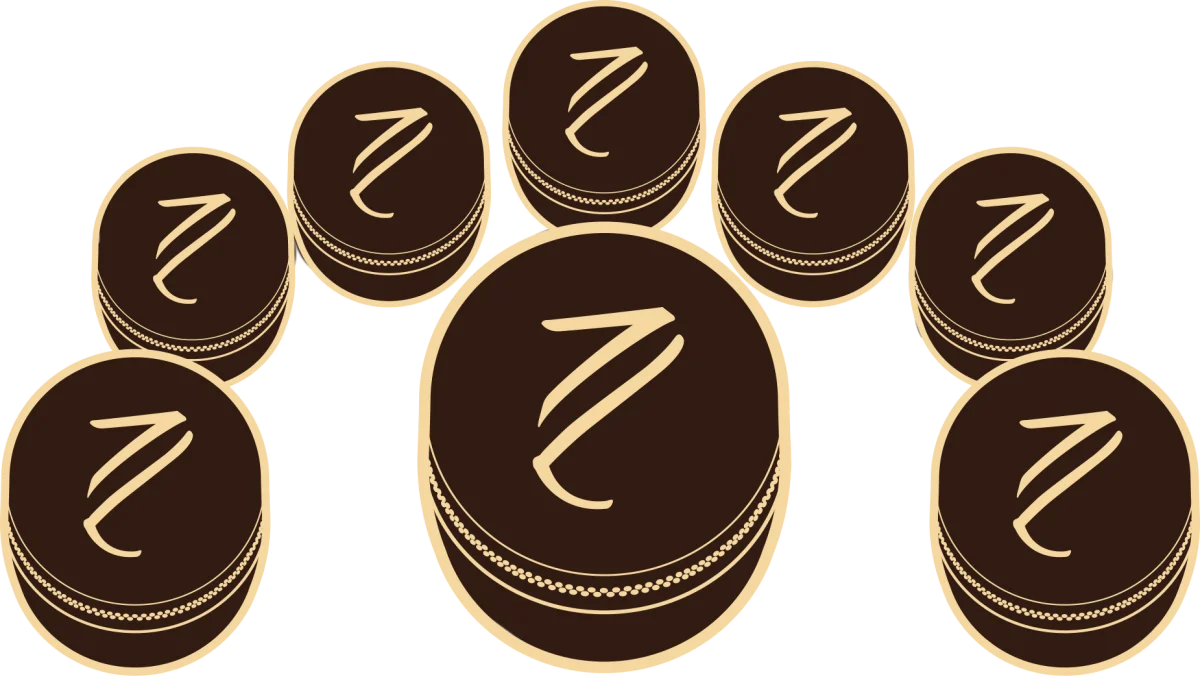
Miya-daiko
Eight barrel drums around the biggest one, in the center.
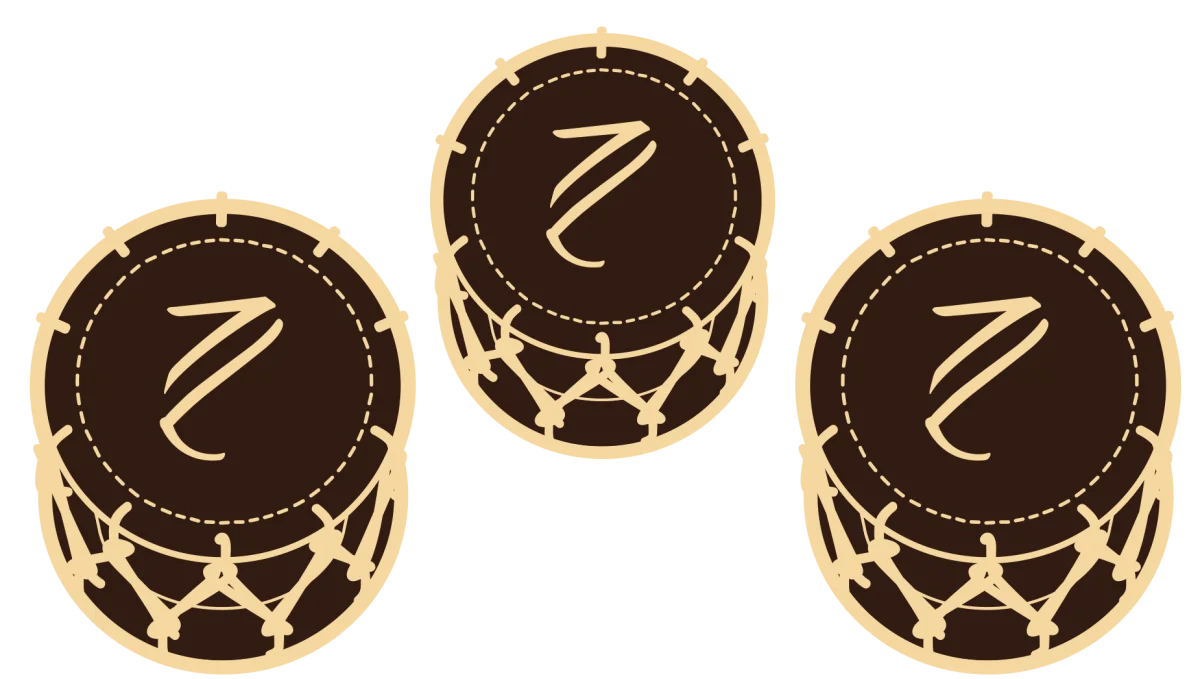
Shime-daiko
Three small drums tensioned with rope, in a triangle.
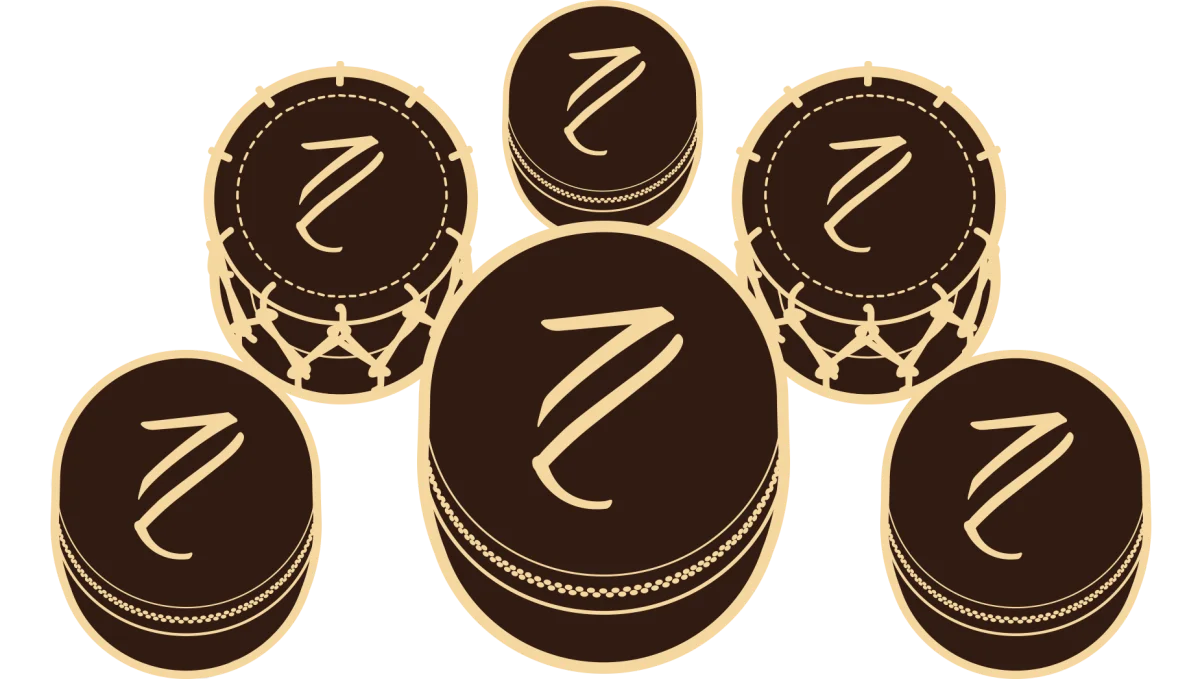
Miya and shime
Barrel drums and shime-daiko together in the same kit.
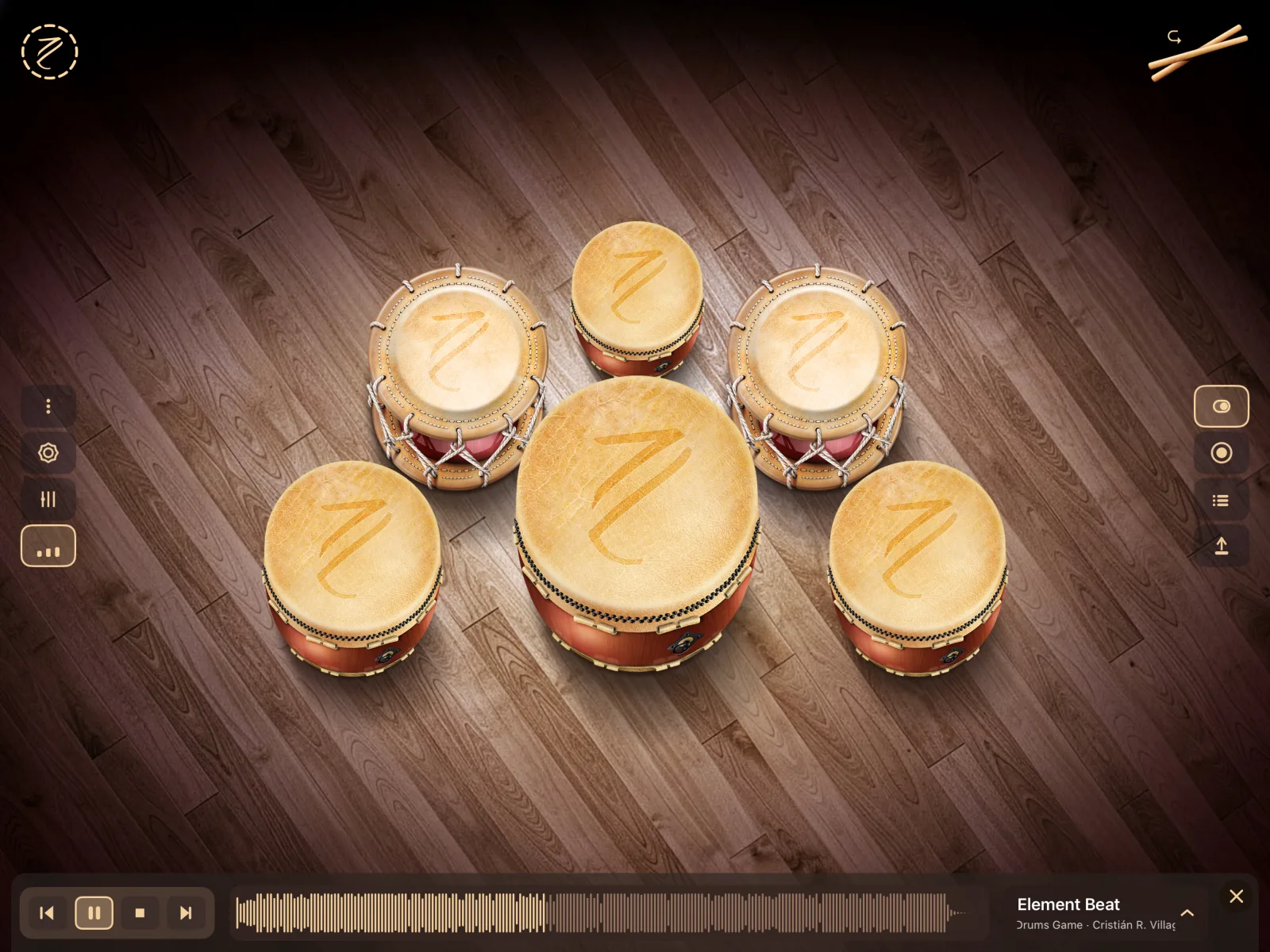
Practice over the music
Pick a song and play over it. The waveform shows where you are, and the track bar lets you move between songs, play, pause and stop. Five songs come with the app, and you can add your own from the Files app.
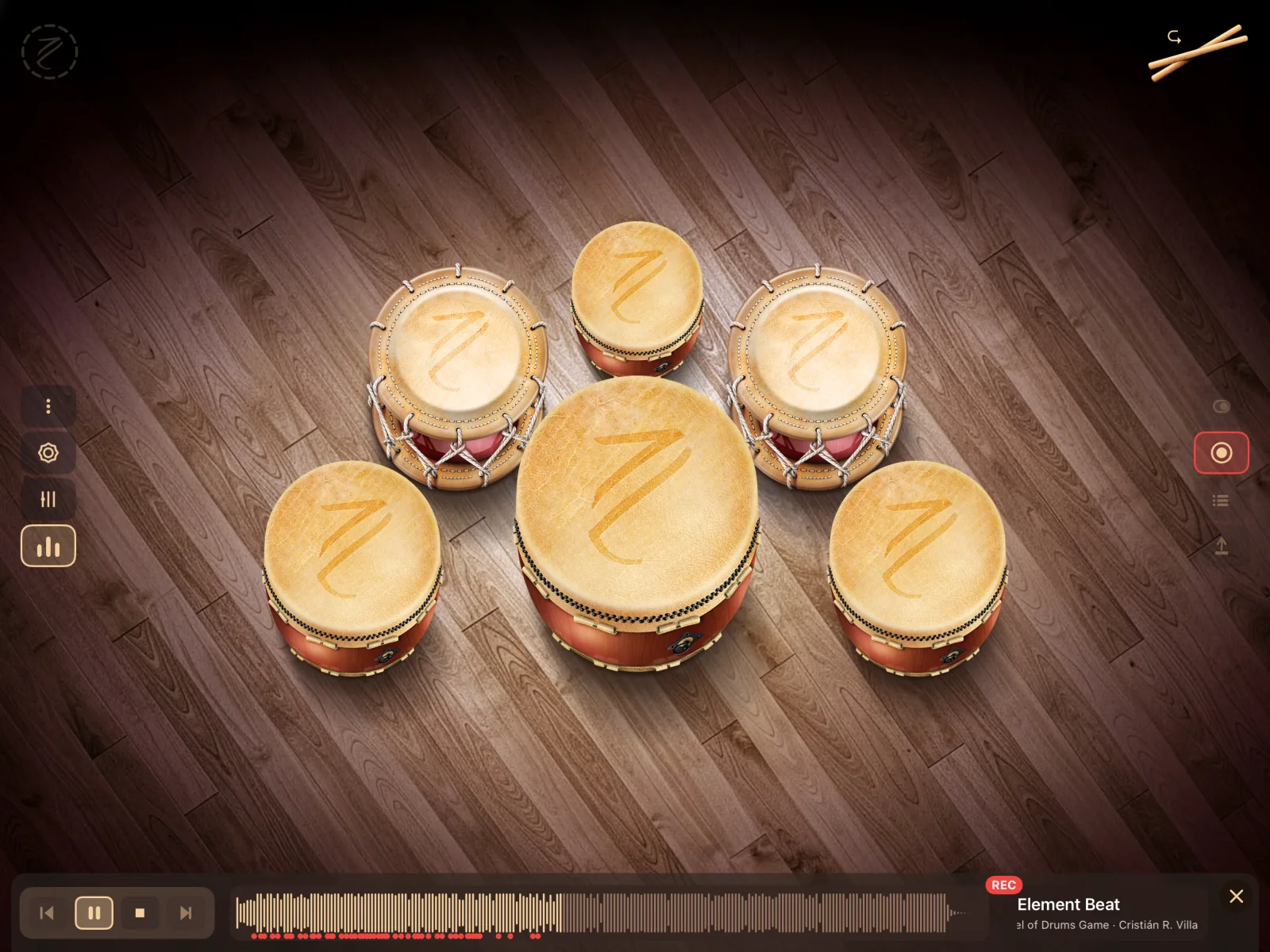
Record with one tap
Tap record and play. Your hits are recorded over the song and appear on the waveform as you play them.
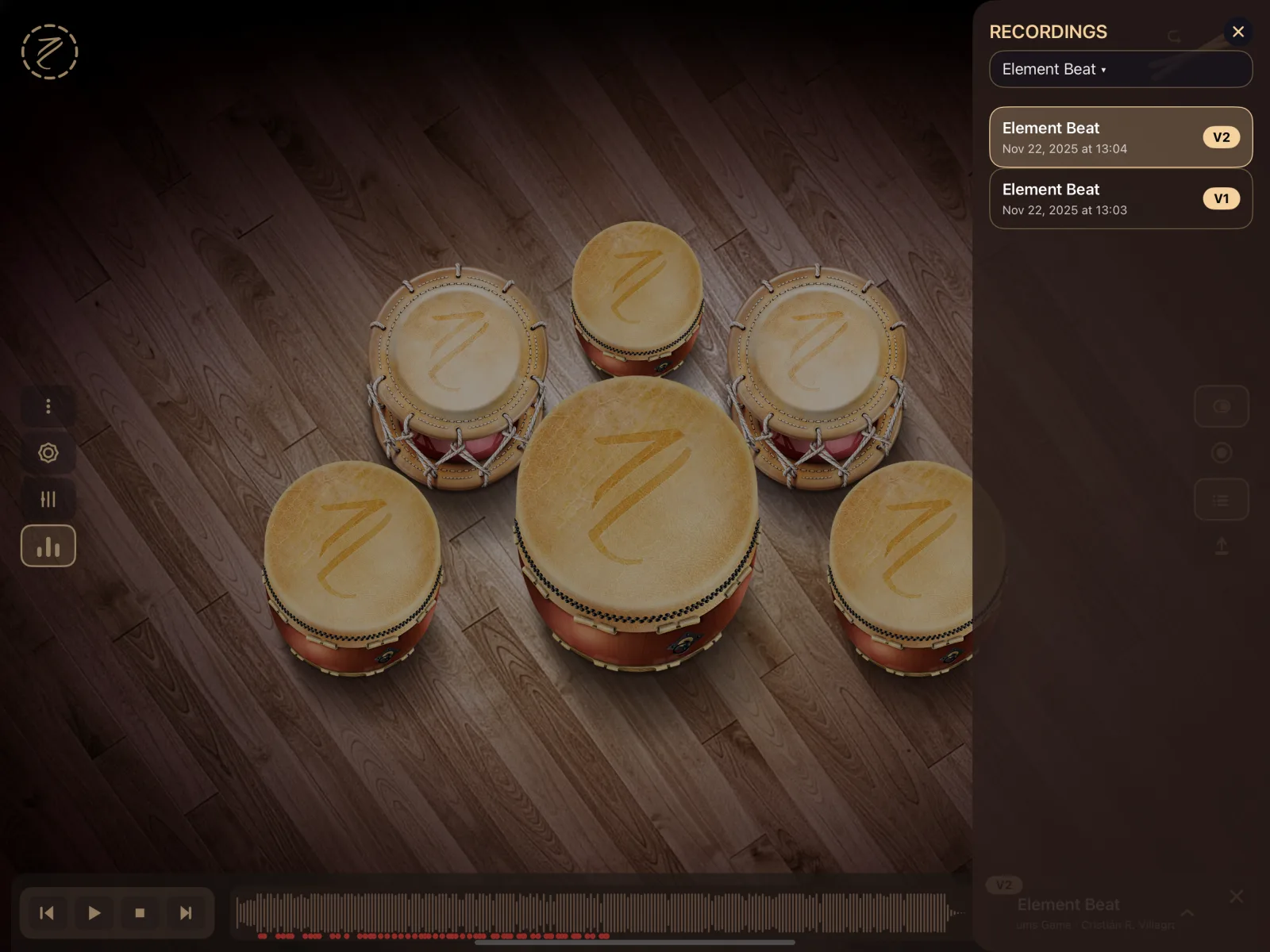
Keep every version
Each song keeps its own list of recordings. Record over a take, clear it or start a new version, and go back to any of them from the list.
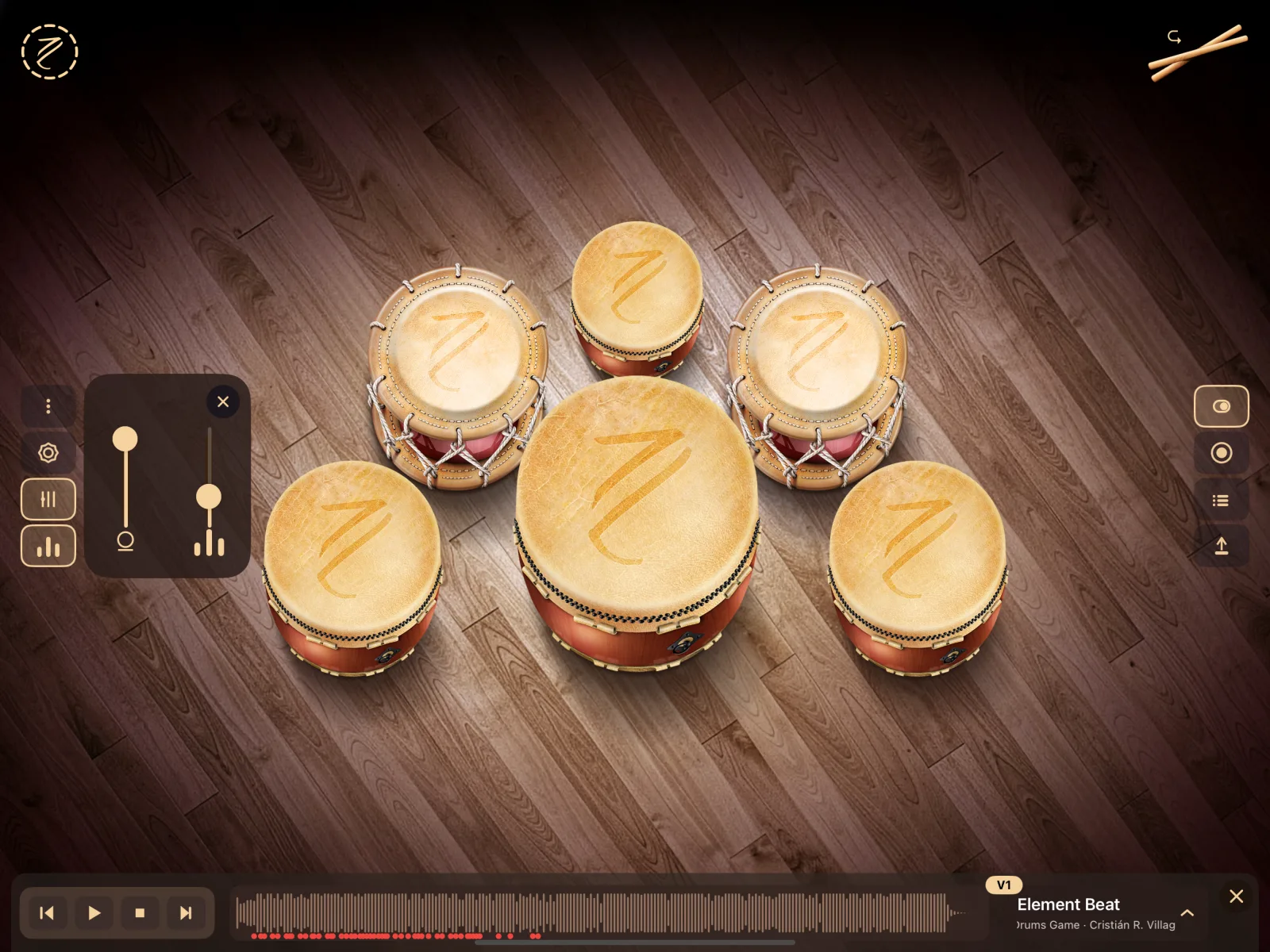
Balance the drums and the song
The mixer has a fader for the drums and another for the song. Turn the song down to hear yourself, or up to follow it closely.
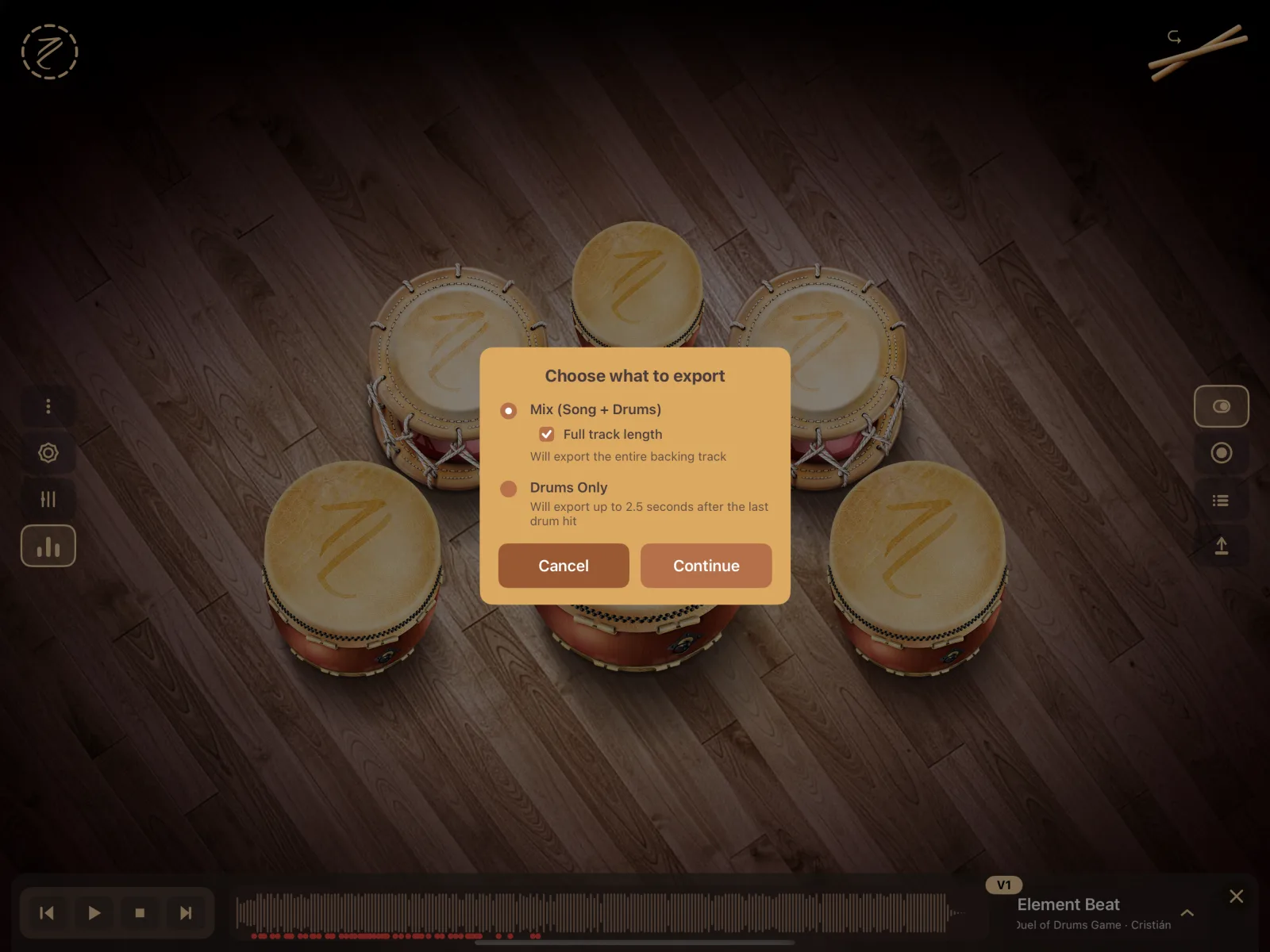
Take your take with you
Export the drums alone or mixed with the song as a WAV file. Save it in Files or send it to another app with the share sheet.
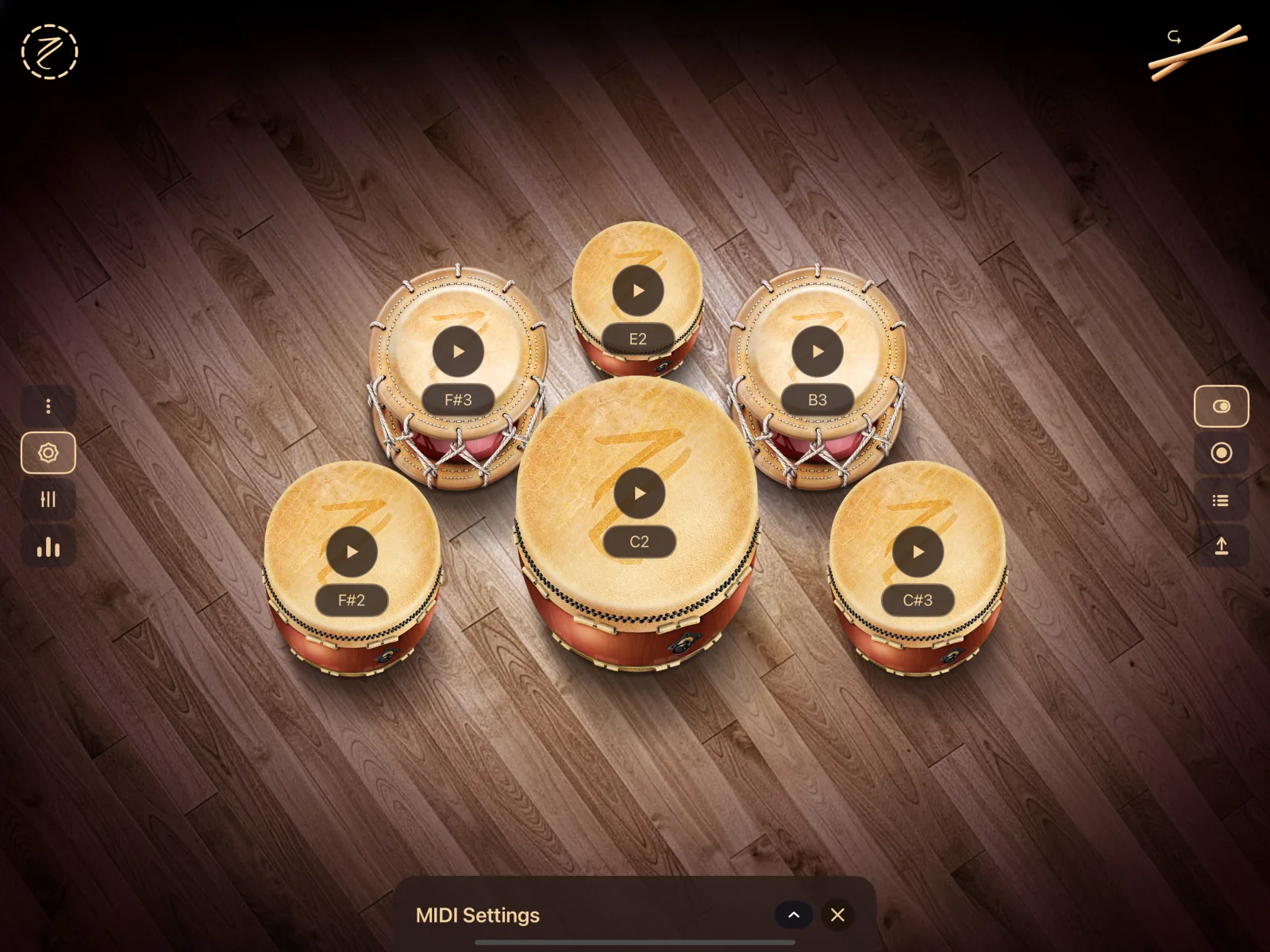
Play your DAW with taiko
Taiko Drums sends a MIDI note for every hit. Choose the destination and the channel, and give each drum the note your instrument expects.
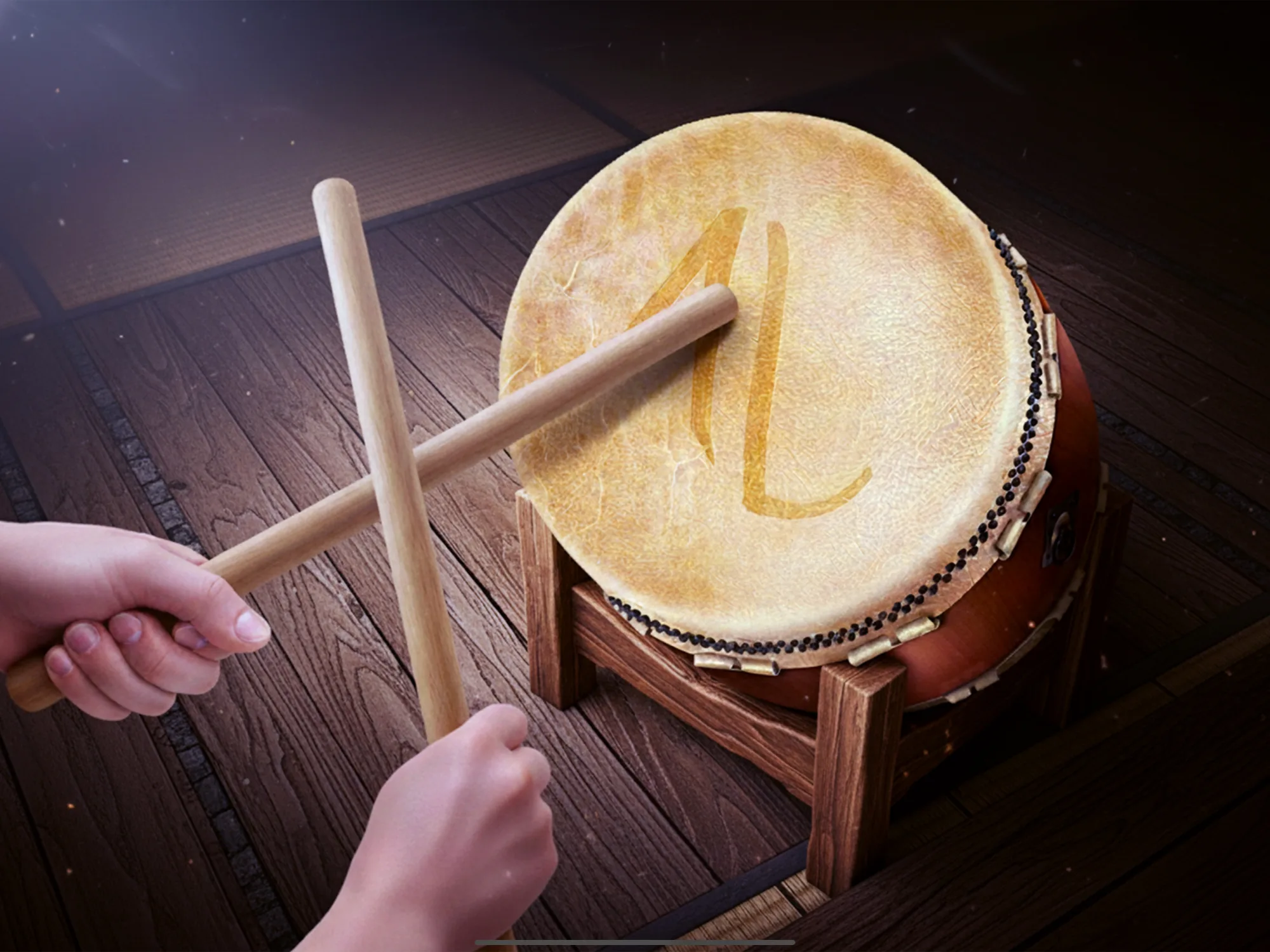
Five songs to start playing
Taiko Drums comes with five songs from Duel of Drums, my drum game, ready to play along from the first minute.

- 1Drummer Fitness1:33
- 2Element Beat1:35
- 3Flower Gallop1:49
- 4Getting Higher1:55
- 5Restless Kid1:45
Frequently asked questions
- What is Taiko Drums?
- Taiko Drums is a taiko drum app for iPhone and iPad. You play the drums on the screen, practice over songs, record your takes, mix them, export them as WAV and send every hit as MIDI.
- Can I use my own music?
- Yes. Import your songs from the Files app and they appear in the song list next to the five included songs.
- What is a flam?
- Two hits very close together, one right after the other. With the double stick on, every hit you play sounds as a flam.
- How do I export a recording?
- Choose drums only or the drums mixed with the song, give the file a name and save it in Files or share it. It is exported as WAV.
- Can I use it as a MIDI controller?
- Yes. Every hit sends a MIDI note to the destination and channel you choose, and you can change the note of each drum. All notes are sent with the same velocity.
- Does Taiko Drums collect any data?
- No. It has no accounts, no ads and no tracking. Your recordings stay on your device.
Specs
- Devices
- iPhone and iPad
- Drums
- Three layouts · single hit or flam
- Play-along
- Five songs included · your own songs from the Files app
- Recording
- Versions per song · mixer for drums and song
- Export
- WAV, drums only or full mix
- MIDI
- Note out per drum · destination and channel of your choice
- Languages
- English, Spanish, French, Japanese, Korean, Portuguese and Chinese